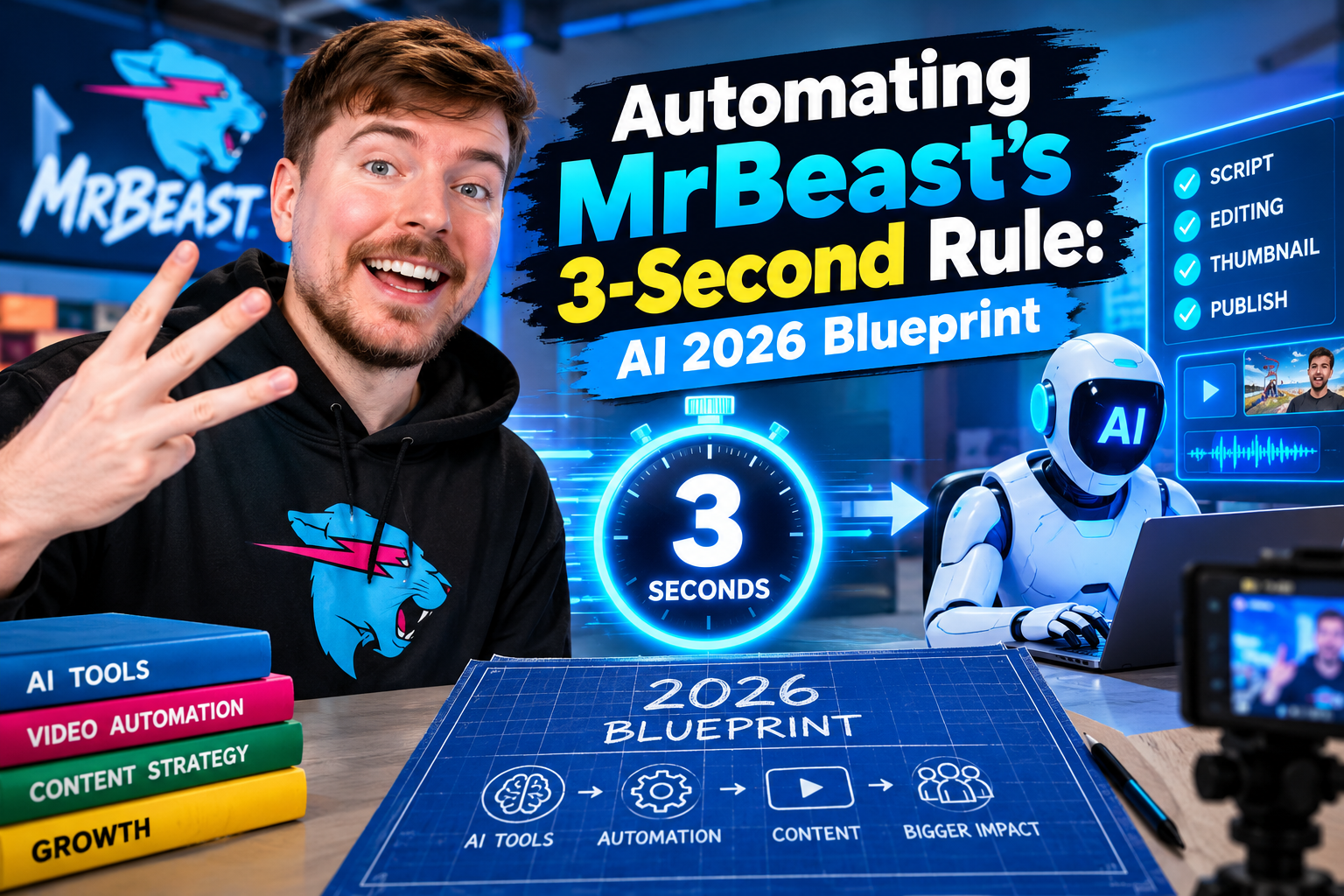
Retention is the single most critical metric on YouTube today. If you cannot hold a viewer’s attention during the initial sequence of your video, the algorithm will ruthlessly kill your reach. Mastering digital audience retention now requires automating MrBeast’s 3-Second Rule through cutting-edge artificial intelligence workflows.
Jimmy Donaldson (MrBeast) pioneered a content philosophy where visual framing, camera angles, or graphics shift at least once every three seconds. Executing this manually used to demand hundreds of editorial hours from top-tier editing teams. In 2026, generative AI models and automated camera framing engines have democratized this exact formula for creators everywhere.
By leveraging automated video intelligence, creators can now seamlessly generate contextual visual assets, automate dynamic camera shifts, and maintain peak viewer stimulation without burning out. In this guide, we will unpack the exact blueprint to automate this process and scale your audience retention metrics to elite levels.
The Science Behind MrBeast’s 3-Second Rule and Retention Dynamics
Why is three seconds the universal visual threshold on modern video platforms? The modern viewer’s brain rapidly habituates to static visual input, resulting in passive drop-offs and swiping behavior. By introducing visual changes every three seconds, you trigger an orienting reflex that resets cognitive attention.
Analyzing Generation Z content consumption habits reveals that digital attention spans require hyper-frequent visual pattern interrupts. Without constant visual stimulus, retention curves decay exponentially within the first minute of playback.
Why the First 3 Seconds Dictate Algorithm Distribution
YouTube’s recommendation engine measures early viewer departure rates to evaluate content quality. If your retention drops sharply in the first 30 seconds, your video loses its algorithmic distribution pipeline instantly.
Introducing high-impact visual hooks immediately signals value to the viewer. When you combine precise visual shifts with tailored audio cues, you force the algorithm to favor your video over competitors in your niche.
Micro-Pacing, Visual Novelty, and Cognitive Reset
Micro-pacing is the art of injecting calculated visual noise to maintain engagement. This strategy relies on alternating between close-ups, wide angles, text pop-ups, and relevant motion graphics.
Visual novelty prevents the viewer’s brain from predicting the video’s trajectory. When every scene shift presents fresh visual info, the viewer remains in an active state of curiosity.
The AI Architecture: Automating MrBeast’s 3-Second Rule in 2026
Manual multi-cam editing and footage sourcing are major bottlenecks for modern digital studios. Implementing an automated workflow allows editors to convert dry talking-head footage into high-retention visual experiences within minutes.
To achieve this, creators combine real-time subject tracking with generative B-roll models. Modern editors can now auto-generate MrBeast-style retention hooks directly inside non-linear editing software using automated AI pipelines.
Automated AI B-Roll Injection Engines
AI B-roll tools read video transcripts in real time to identify key nouns, actions, and emotional beats. Once identified, these systems automatically generate or pull relevant background footage matching the context.
Instead of searching stock libraries for hours, generative video engines assemble high-definition overlays instantly. This ensures that every three seconds, a complementary graphic or scene cut automatically covers your main timeline.
Dynamic Auto-Framing and Face-Tracking Algorithms
Auto-framing tools utilize advanced computer vision systems to track ocular and facial anchor points on your host. The AI calculates optimal crop ratios and executes simulated multi-camera angle cuts automatically.
A single 4K talking-head shot can be automatically transformed into wide shots, tight zooms, and dynamic tracking pans. This eliminates static camera angles and creates the illusion of a multi-camera studio setup.
Automated Audio Cue and SFX Layering
Visual changes must be paired with precise auditory feedback to maximize viewer impact. AI audio engines automatically scan video edit points to insert subtle risers, whooshes, and pop sound effects.
Automating audio sync ensures every visual transformation is backed by sound design. This multi-sensory feedback loop is essential for holding attention across high-CPM Tier 1 markets.
Step-by-Step Implementation Blueprint for YouTube Creators
Setting up an automated video editing workflow requires configuring speech-to-text parsers, visual tracking models, and background renders. Follow this structured blueprint to build your automated post-production engine.
“Automating visual pacing isn’t about replacing human creative storytelling—it is about scaling high-frequency editing techniques without sacrificing production quality or timeline efficiency.”
Step 1: Ingesting Raw Footage and Script Marker Processing
Begin by importing raw high-resolution footage into your AI-enabled video software. Run an automated speech recognition pass to generate a frame-accurate transcript with timestamps.
Configure script marker rules to tag visual transitions every 2.5 to 3.5 seconds automatically. These markers serve as structural foundation nodes for dynamic B-roll and auto-framing tools.
Step 2: Generating Contextual B-Roll via Generative Video Models
Connect your transcript markers directly to a generative video API or local AI plugin. Set style parameters to match your channel branding, such as cinematic, vibrant 3D render, or archival documentary style.
- Define Keyword Triggers: Tag active verbs and key nouns to generate contextual visual cutaways.
- Set Overlay Duration: Restrict automatically generated B-roll clips to strict 1.5 to 2.5-second windows.
- Apply Automatic Motion Blur: Ensure seamless integration with host footage by enabling realistic motion rendering.
Step 3: Configuring Intelligent Auto-Framing for Multi-Platform Output
Apply intelligent auto-framing algorithms to your primary talking-head video track. Set motion detection parameters to perform digital jump cuts or smooth whip pans whenever vocal inflection shifts.
Configure frame aspect ratios for both 16:9 widescreen YouTube desktop playback and 9:16 vertical Shorts distribution. The auto-framing engine preserves perfect subject centering across all screen formats.
Step 4: Final Quality Control and Retention Analytics Benchmarking
Review the automated timeline to ensure visual pacing flows naturally alongside narrative delivery. Fine-tune sound effect volume levels so audio cues complement the host speech without overwhelming it.
Render your final file and compare your YouTube Studio retention graph against historical benchmarks. Aim for at least 70% retention past the critical 30-second mark on all newly published uploads.
Tools and Tech Stack Comparison for 2026
Choosing the right tech stack is crucial when scaling content production for high-CPM demography in North America and Western Europe. Here is an overview of top tools shaping modern automated post-production environments.
Runway Gen-3, CapCut Pro, and Premiere Pro AI Plugins
Runway Gen-3 leads the industry in real-time generative visual overlay synthesis. It creates hyper-realistic, contextual B-roll assets based on voice commands and transcript inputs.
CapCut Pro offers accessible auto-reframe features tailored for multi-platform creators seeking rapid output. Meanwhile, Adobe Premiere Pro integrates native AI plugins that deliver professional grade multi-cam auto-framing and transcription tools.
Open-Source Workflows and Python Automation Scripts
Advanced editing teams often deploy custom Python scripts combining Whisper AI speech identification with FFmpeg automation. These workflows execute automated video cuts based on vocal pauses and sound frequency thresholds.
Creators interested in joining top production teams can explore how to apply for MrBeast jobs to understand industry-standard pipeline expectations and operational requirements.
Advanced Optimization Strategies for High-CPM Demographics
Viewers in high-CPM regions like North America, the UK, and Australia demand slick production standards. Over-editing with low-quality visual clutter can erode trust and decrease viewer retention.
To maintain high audience engagement, align automated cuts with genuine narrative context. Every visual shift must serve to emphasize a point or build narrative tension.
Tailoring Visual Pacing for Tier 1 Audiences
Tier 1 demographics favor high visual clarity and sophisticated production aesthetics. Avoid repetitive graphics and focus on high-fidelity AI-generated imagery that enhances content authority.
Adhere strictly to professional standards detailed by the YouTube Creator Academy standards to maximize viewer retention and revenue performance.
Balancing Retention Hacks with Brand Safety
While rapid visual shifts keep retention high, over-pacing can lead to audience fatigue. Balance intense visual sequences with focused, single-shot explanations during key educational moments.
Integrating intelligent auto-framing ensures transitions feel deliberate rather than chaotic. Maintain balance by reserving high-frequency edits for high-stakes video segments.
Conclusion: Mastering Automating MrBeast’s 3-Second Rule
The evolution of creator technology has made professional retention editing accessible to every digital studio. By automating MrBeast’s 3-Second Rule, creators can produce world-class video content at scale without spending endless hours on traditional video editing workflows.
Leveraging AI B-roll generation, dynamic camera auto-framing, and automated sound design establishes a repeatable operational system for viral channel growth. As platform algorithms continuously prioritize viewer retention, adopting automated editing blueprints is no longer optional for serious creators—it is the modern benchmark for success.
Frequently Asked Questions (FAQs)
What is MrBeast’s 3-Second Rule in video editing?
MrBeast’s 3-Second Rule is a core editing philosophy where the visual frame, audio cue, or narrative perspective shifts every three seconds to keep audience attention locked and prevent boredom.
How does automating MrBeast’s 3-Second Rule improve YouTube video retention?
Automating this rule using AI tools allows creators to automatically insert contextual B-roll, re-frame camera angles, and trigger sound effects without spending hundreds of hours on manual post-production.
Which AI tools are best for auto-framing and generative B-roll in 2026?
Top tools include Runway Gen-3 for contextual visual generation, CapCut Pro’s AI Auto-Reframe feature, Adobe Premiere Pro’s AI dynamic plugins, and custom Python scripts for programmatic timeline cuts.
Can AI auto-framing work seamlessly for both vertical Shorts and widescreen videos?
Yes, modern AI auto-framing relies on computer vision and facial detection to automatically calculate framing, ensuring subjects remain centered across 16:9 widescreen and 9:16 vertical formats.
5 thoughts on “Automating MrBeast’s 3-Second Rule: AI 2026 Blueprint”