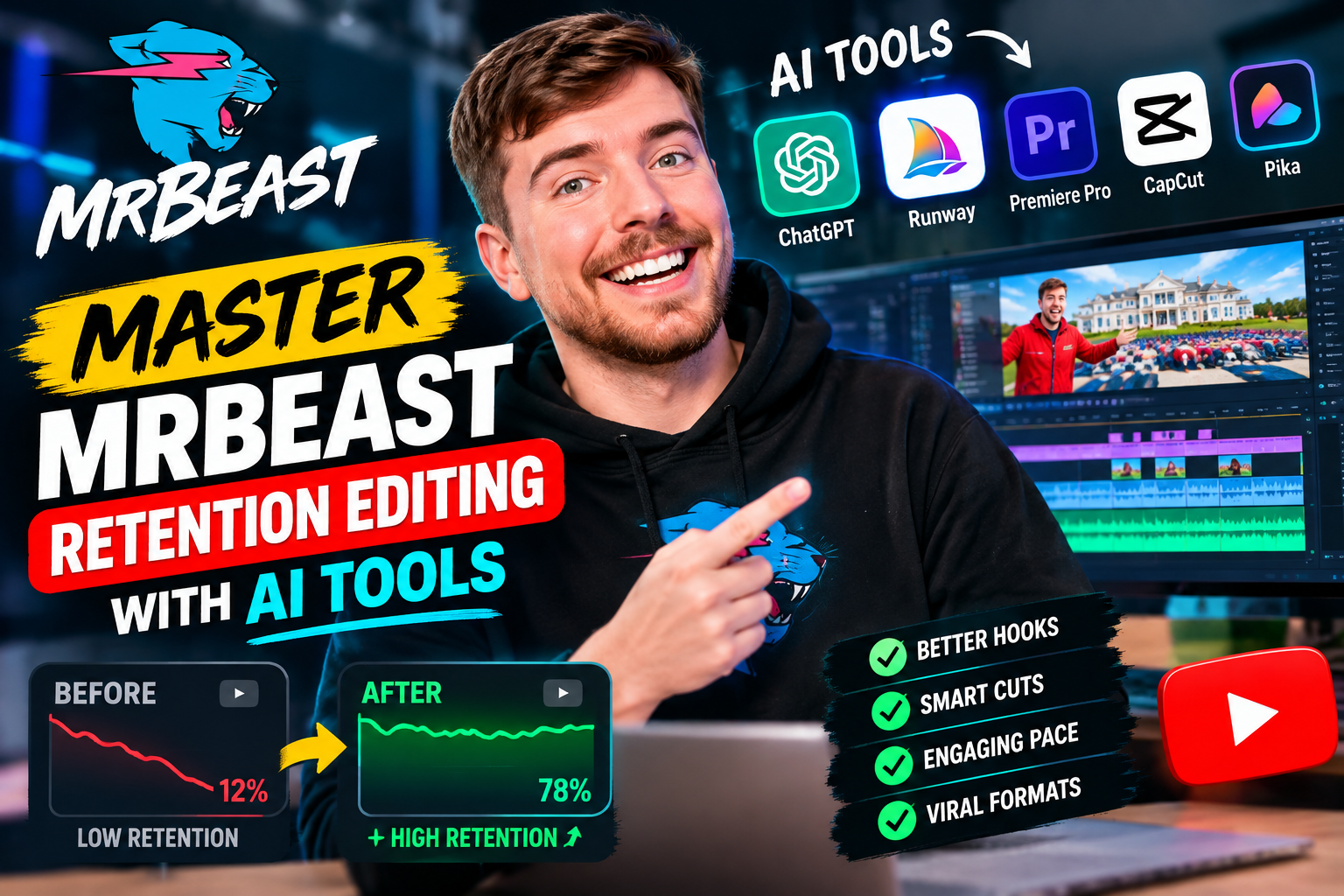
Viral video performance on YouTube no longer depends solely on good ideas; it requires surgical precision in post-production. To dominate modern short-form and long-form feeds, top creators leverage high-velocity cuts, energetic text pop-ups, and rapid visual shifts. If you want to maximize audience engagement, learning how to master MrBeast retention editing AI tools is the ultimate competitive advantage in 2026.
Viewers decide whether to stay or swipe away within the first three seconds of a video. By integrating generative artificial intelligence into your editing software, you can recreate the high-octane pacing of elite channels in a fraction of the time. In this comprehensive creator guide, we break down exact workflows, software stacks, and retention strategies used by top-tier video editors.
The Anatomy of Hyper-Fast Retention Editing in 2026
Retention editing is the practice of structuring video footage to continuously trigger dopamine hits in the viewer’s brain. Rather than letting a camera angle rest for ten seconds, high-retention editors introduce constant visual and audio changes. This constant novelty forces the viewer’s brain to pay full attention.
Why Traditional Editing Fails Modern Audiences
Traditional video editing relied on slow visual storytelling, long cinematic pauses, and subtle scene changes. Today’s digital ecosystem demands continuous engagement. Generation Z audience behavior demonstrates a low tolerance for unedited silence or static frames.
If your video stays static for more than two seconds without a text animation, sound effect, or camera punch-in, drop-off spikes immediately. Modern audiences require dynamic pacing to keep their focus attached to your screen.
The 3-Second Rule and Visual Pattern Interrupts
The foundation of viral editing is the pattern interrupt. A pattern interrupt is any sudden change in visual or audio stimulation that resets the viewer’s attention clock. Examples include:
- Dynamic Auto-Zooms: Subtle or dramatic push-ins every 2 to 3 seconds.
- Kinetic On-Screen Captions: Highlighted words appearing frame-by-frame with distinct colors.
- Sound FX Stings: Whooshes, pops, and cash register clicks synchronized with visuals.
- B-Roll Overlay Bursts: Fast 0.5-second image overlays that illustrate active dialogue.
Mastering these triggers manually used to take hours per video minute. To automate this process seamlessly, study our guide on automating MrBeast’s 3-second rule with AI tools.

Harnessing AI Tools for MrBeast-Style Dynamic Captions
Dynamic subtitles are no longer an accessibility feature; they are a primary visual hook. Research shows that over 70% of social media feeds are consumed on mute, making word-by-word dynamic captions essential for maintaining viewer retention.
Automated Kinetic Typography and Styling
In 2026, AI dynamic captioning tools analyze speech audio in real time, auto-generate word-accurate transcripts, and automatically apply animated kinetic typography styles. Key features of high-retention captions include:
- Word-Level Highlighting: Bouncing or changing text color for the currently spoken word.
- Custom Font Presets: Utilizing heavy, bold fonts like Komika Axis, Obelix Pro, or Futura Bold.
- Emoji Auto-Insertion: AI automatically inserts context-aware animated emojis directly above key words.
- High-Contrast Stroke & Shadow: Bright yellow, green, and white fills backed by thick black outlines for maximum readability.
Sound FX Synchronization and Emoji Triggers
Text appearing on screen without audio feedback feels flat and unengaging. Advanced AI caption generators automatically attach subtle sound effects to key phrase highlights. When a word like “explode” or “money” appears, the editor automatically cues a explosion sound or coin chime.
To explore setting up sound fx templates in professional NLEs, read our full breakdown on how to replicate MrBeast sound FX using AI inside Premiere Pro.
The 2026 AI Script-to-Timeline Workflow
Building an efficient video pipeline requires connecting generative artificial intelligence tools into a unified assembly line. Below is a breakdown of the modern AI script-to-timeline editing stack.
1. Automated Jump Cuts and Silence Removal
The first pass of retention editing is eliminating dead air, pauses, and filler words like “um” and “ah.” AI silence removal plugins scan audio waveforms and automatically remove gaps down to the precise millisecond. This reduces raw footage assembly time by up to 80% while creating a fast, aggressive spoken track.
2. Smart B-Roll Insertion and AI Scene Generation
Manual B-roll searching is incredibly slow. Modern AI retention software scans spoken audio tracks and automatically retrieves relevant stock footage or generates custom 3D visuals. According to official Adobe Premiere Pro documentation, AI-driven auto-tagging allows editors to automatically pair dialogue clips with accurate visual overlays in seconds.
3. Auto-Zoom and Eye-Gaze Alignment
To preserve viewer focus, the speaker’s eyes should remain anchored near the center frame horizontal line. AI auto-framing software automatically calculates speaker eye positions and adds subtle punch-ins, pan movements, and horizontal alignment adjustments to ensure smooth, natural visual transitions.
Step-by-Step Implementation Guide for Creators
Follow this exact step-by-step workflow to produce YouTube Shorts, TikToks, and main-channel long-form videos with MrBeast-level retention curves.
Phase 1: Pre-Processing Raw Footage with Generative AI
- Import Raw A-Roll: Upload your talking head or commentary footage into your primary NLE or browser-based AI editor.
- Run Silence Detection: Set silence thresholds to 0.2 seconds and automatically purge dead space.
- Enable AI Audio Enhancer: Apply spectral noise removal and vocal compression to create punchy, broadcast-quality narration.
Phase 2: Generating Dynamic Animated Subtitles
- Apply Caption Template: Select a bold preset featuring custom strokes, text glow, and drop shadows.
- Configure Highlight Colors: Set active spoken words to bright green or yellow, with inactive words set to white.
- Enable Auto-Emoji Insertion: Set AI sensitivity high so relevant emojis trigger automatically on key noun and verb spoken cues.
Phase 3: Layering Audio Drops and Micro-Pacing
- Auto-Insert B-Roll: Use text prompts to generate or auto-place stock video over abstract concepts.
- Add Visual FX Interrupts: Insert full-screen graphics or quick camera shake effects at key sentence transitions.
- Deploy Background Audio Ducking: Keep energetic background tracks loud during pauses, but automatically duck volume under main audio cues.
For a complete breakdown of full script generation and automatic timeline rendering, check out our guide on the AI script-to-timeline editing pipeline.
Master MrBeast Retention Editing with AI Tools for Peak YouTube Reach
Scaling a content channel today requires balancing speed with uncompromising video quality. By learning how to master MrBeast retention editing AI tools, you remove tedious manual slicing from your workflow and shift your energy toward high-level creative strategy.
As AI tools continue to evolve throughout 2026, automation will handle frame cuts, text placement, and sound design. Creators who adopt these dynamic workflows today will capture higher watch times, earn stronger algorithmic recommendations, and build unstoppable audience retention across every video platform.
Frequently Asked Questions (FAQs)
What is hyper-fast retention editing?
Hyper-fast retention editing is a post-production methodology popularized by top creators like MrBeast. It utilizes rapid cuts, pattern interrupts, sound effects, dynamic animated captions, and continuous visual shifts every 2-3 seconds to prevent viewer bounce.
Which AI tools are best for MrBeast-style dynamic captions?
Leading AI tools for dynamic captions in 2026 include Opus Clip, Descript, CapCut AI Pro, AutoCap, and Premiere Pro’s built-in AI Speech-to-Text dynamic subtitle generator.
How do AI tools help speed up MrBeast retention editing?
AI tools automate labor-intensive editing tasks like silence removal, jump cuts, auto-zooming, gaze stabilization, stock B-roll matching, kinetic typography, and sound effect placement, reducing edit times by up to 80%.
Can small YouTube creators apply hyper-fast retention editing without a team?
Yes. Modern generative AI software allows solo content creators to execute full script-to-timeline editing pipelines, dynamic captioning, and micro-pacing that previously required full post-production teams.